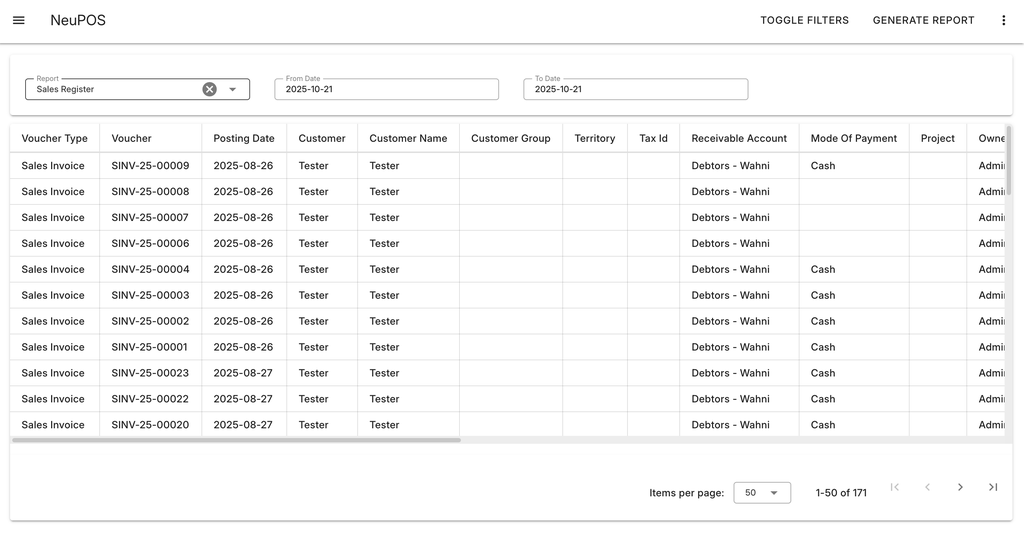
Report
ERPNext Reports in NeuPOS
You can view ERPNext reports directly within NeuPOS, without switching back to ERPNext. This is done by adding reports to the NeuPOS Report List.
In ERPNext, go to NeuPOS Report List.
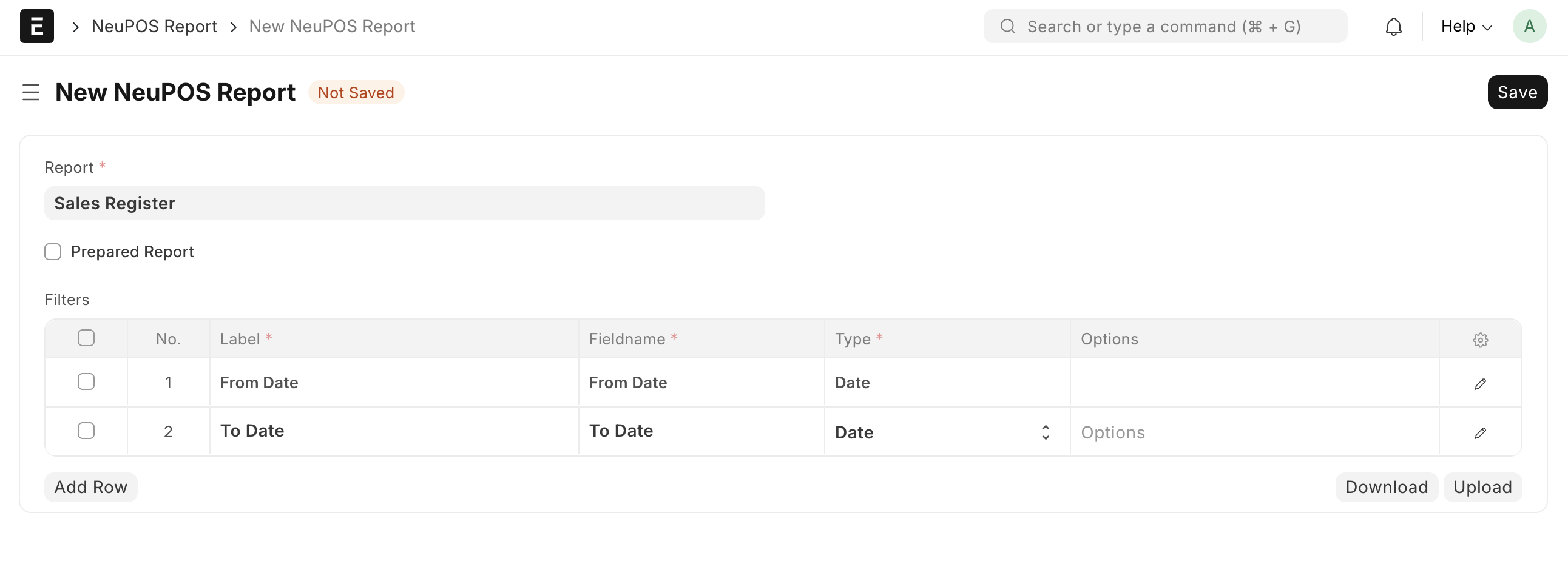
- Create a new report entry.
- Select the report you want to add.
- Add any filters as needed.
- Click Save to finish adding the report.
- Once saved, the report becomes available inside NeuPOS.
sidebar > report
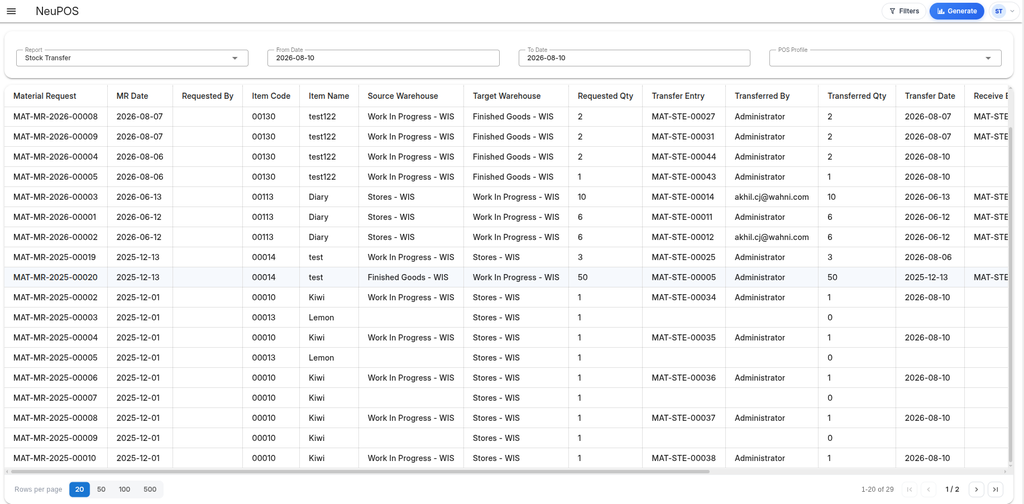
- Select the report you want to view.
- Apply the desired filters.
- Click Generate Report from the top-right corner.
- The report will be displayed instantly, showing data according to the applied filters.